01
Protect scarce engineering time
Carry customer decisions into delivery so engineers can focus on implementation.

Give FDEs the customer’s workflow, rules and decisions before the build, cited and reviewed. Fewer discovery calls, fewer surprises in testing and less rework.
Explore the example. See the decisions behind the delivery.
Carry customer decisions into delivery so engineers can focus on implementation.
Resolve conflicting rules and missing inputs before they become implementation assumptions.
Connect reviewed scope, acceptance cases and operating instructions through the handoff.
Why FDE time disappears
Without a reviewed brief, FDEs fill gaps with guesses, and testing decides which guesses were wrong.
From discovery notes
The same question, asked again after the build.
From a ProcessScout brief
The edge case is a test before it is a defect.
For engineers
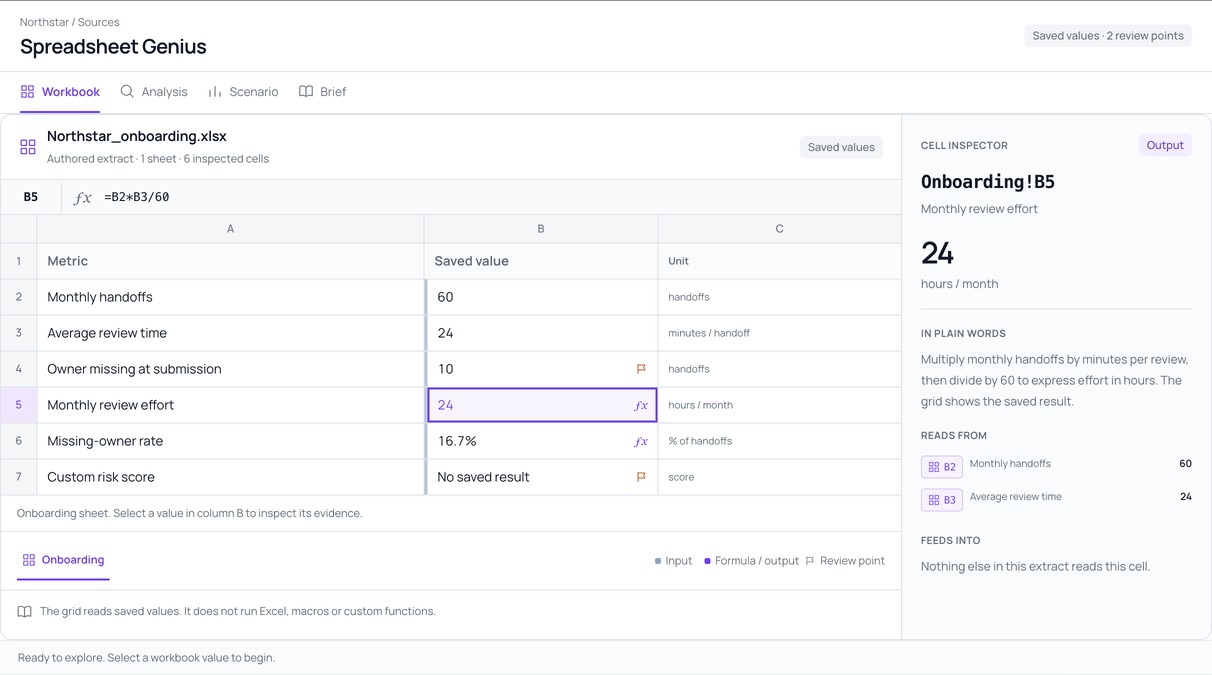
Spreadsheet formulas, policy wording and the decisions behind them, cited to the source and ready to build from.


Interactive demo · Fictional customer data · No sign-up
The approval spreadsheet says “at or above $10,000”. The policy says “above”. At exactly $10,000 that is a different approver. Keep both sources and record the customer’s decision.
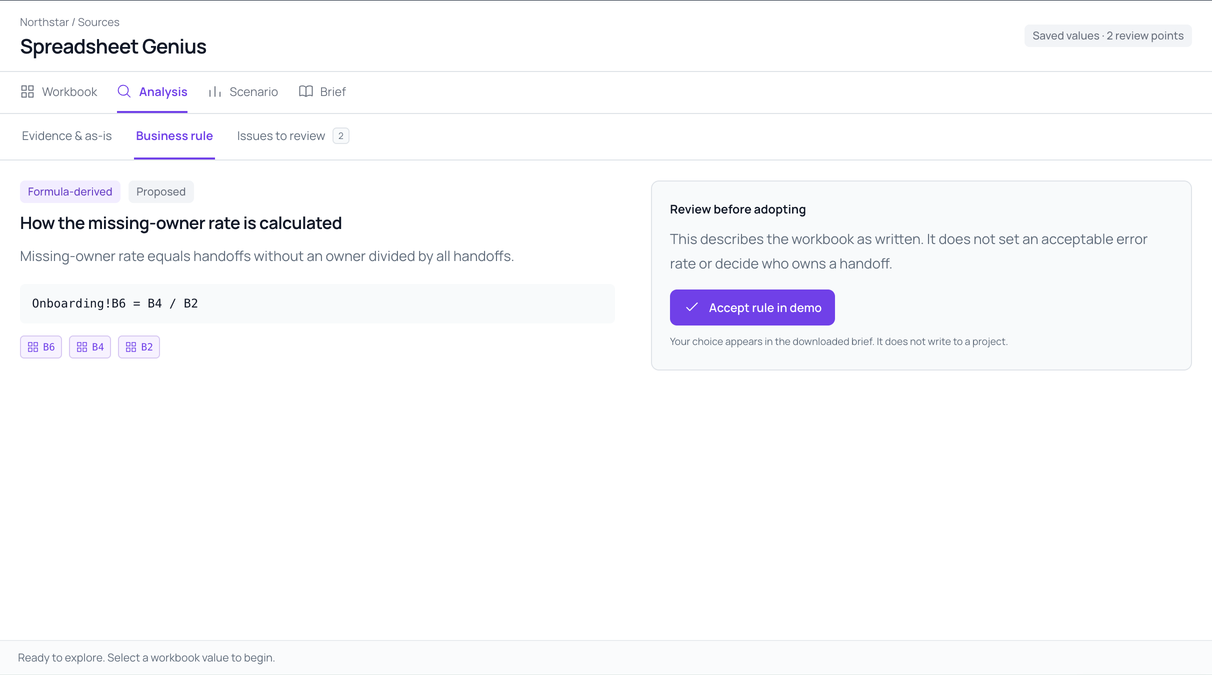
At exactly USD 10,000, original policy POL-01 uses greater than and selects purchasing-manager review. Workbook WB-01 uses greater than or equal to and selects finance review. The original sources remain different.
=IF(B2>=10000,"Finance review","Purchasing manager review")This formula refers to B2 in the same workbook version. Open the complete WB-01 excerpt.
Urgent orders notify the manager but still need approval. Missing amounts go back to the requester. Each path gets its own requirement and acceptance case.
An urgent request notifies the manager while retaining its required approval route. A missing amount goes back to the requester; no recommendation is prepared until it is supplied.
Notify the purchasing manager. The amount-based approval still applies; urgency cannot authorize bypass or release.
Inspect urgent-request behaviorAsk the requester for clarification. Do not prepare an approval recommendation until a valid amount is supplied.
Inspect incomplete-request behaviorQ-04 · Which identities and access rights will support the workflow?
Owner: Customer process owner
$9,999 goes to the purchasing manager; $10,000 and above go to finance. Write the boundary as acceptance cases before anyone writes code.
Under the fictional reviewed target rule, USD 9,999 routes to the purchasing manager. USD 10,000 and USD 10,001 route to finance. These acceptance examples have not been executed.
Purchasing manager review
R-01 · Expected behaviorFinance review
R-01 · Expected behaviorFinance review
R-01 · Expected behaviorNotify purchasing manager; finance approval still required. No bypass or release.
R-02 · Expected behaviorRequest clarification; do not prepare an approval recommendation.
R-03 · Expected behaviorThese are expected behaviors for the fictional target. No model or implementation tests have been executed.
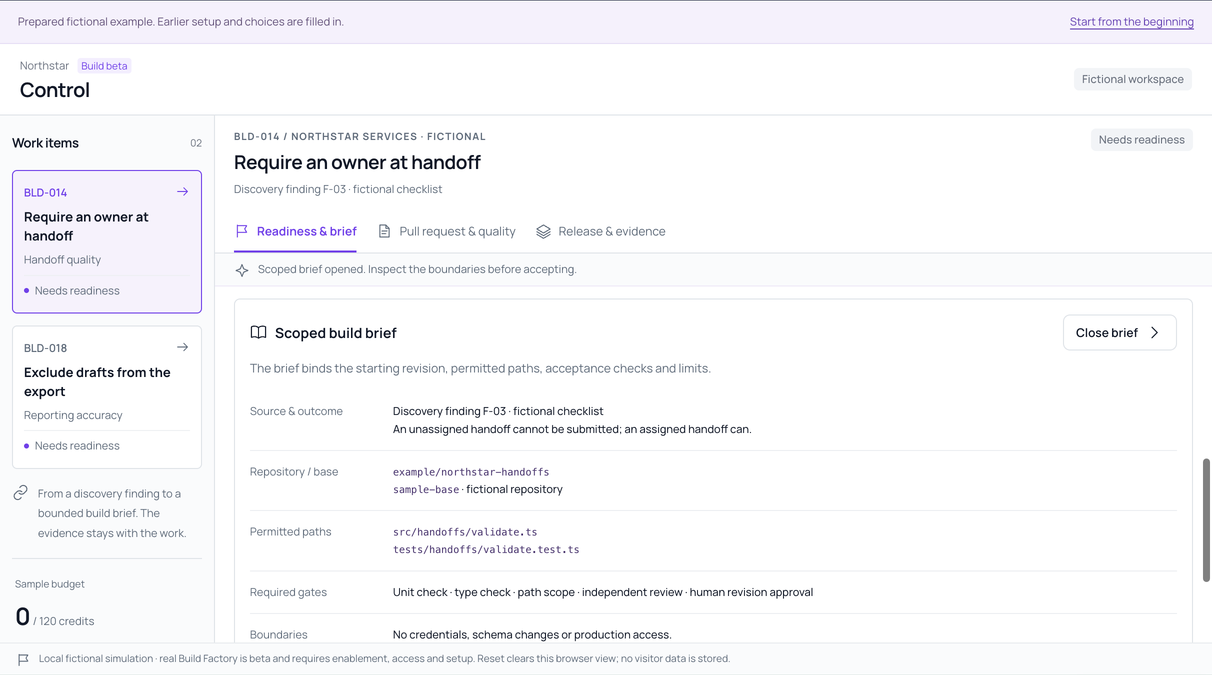
The change request, workflow, sources and open access questions stay attached to the specification, in your own tools or in Build Factory (beta).
A customer request enters Product review. Agreed scope can inform development; later operating feedback returns with its customer context. The fictional CR-01 request is still pending.
The request extends the agreed brief. Production integration remains excluded until scope, architecture, access and effort are reviewed.
Reviewed rules, source references and acceptance cases travel into the delivery story. Tracker handoffs need a one-time setup of fields and permissions.
A reviewed requirement becomes a prepared delivery story with its sources and acceptance cases. A tracker handoff requires setup, field mappings and permissions.
As the operating owner, I need complete requests routed by the reviewed threshold so the designated person can make the approval decision.
At or above USD 10,000 → Finance review.
Purchasing manager review
R-01 · Expected behaviorFinance review
R-01 · Expected behaviorFinance review
R-01 · Expected behaviorThese are expected behaviors for the fictional target. No model or implementation tests have been executed.
Vendor-neutral prepared story. Configured tracker handoffs need setup, mappings and permissions. Read the requirements workflow.
Ordinary, urgent and incomplete requests each map to an operating instruction, so the customer runs exactly what you built. Anything still undecided stays visibly open.
Fictional requirement R-01 and instruction O-02 share the reviewed inclusive approval boundary: at or above USD 10,000 routes to finance. Escalation still needs agreement under Q-05.
Decision owner: Customer process owner. Q-04 · identity and access also remains open. Live operation is not ready on the strength of this brief alone.
How a pilot works
ProcessScout prepares the evidence and requirements behind the work. Supported tracker handoffs require setup, field mappings and permissions.
Your engineers own architecture, configuration, integrations and production validation. The brief supplies the customer rules and decisions that inform them.
Yes. Use the brief in your existing workflow. Build Factory is a separate beta requiring repository access, runner setup and review.
Bring the customer workflow. We’ll scope the rules, dependencies and acceptance cases your engineers need.
Discuss a pilotScope, timing, access and terms are agreed before a pilot begins.
Allow optional analytics to help us improve ProcessScout? Privacy notice